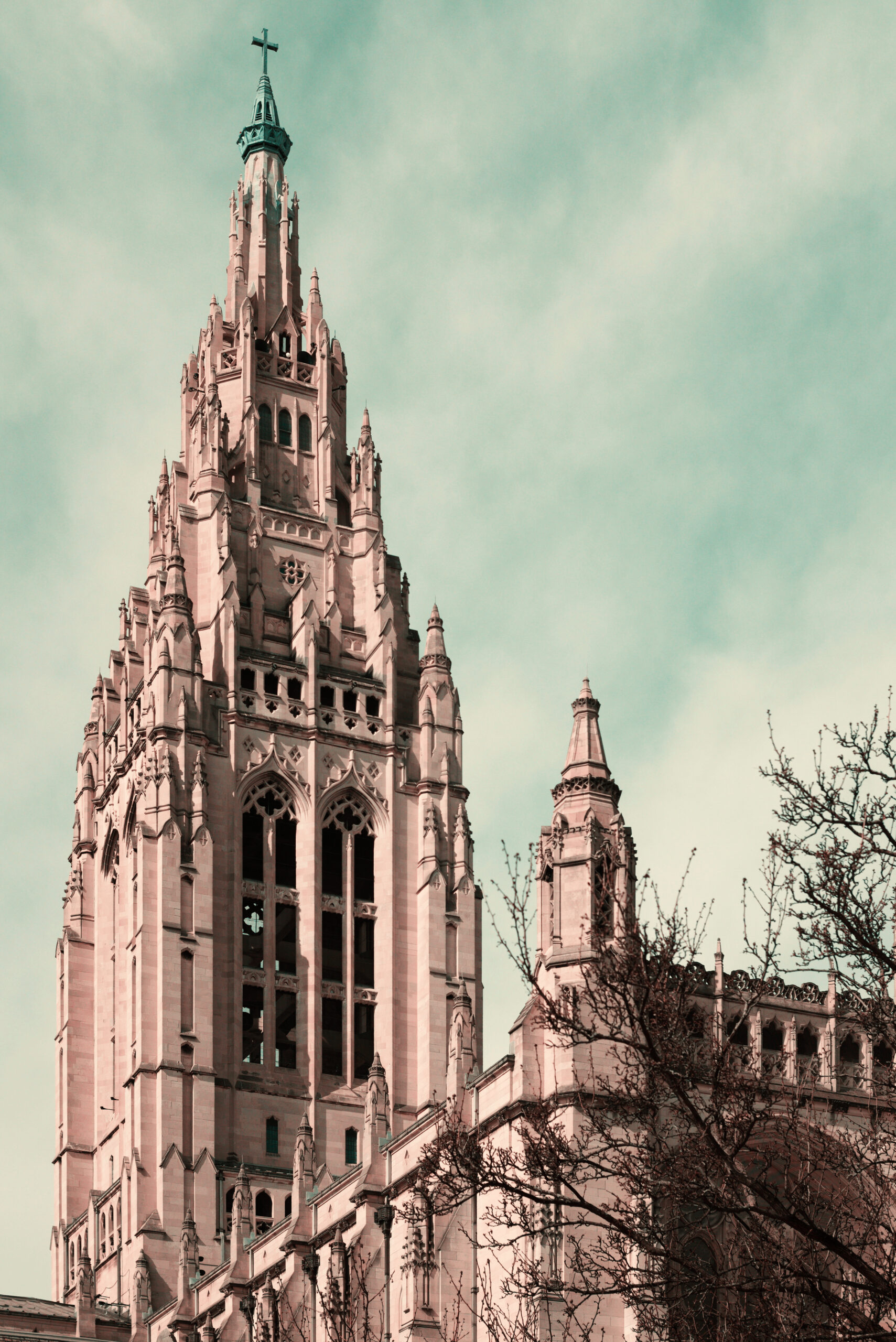
It used to be common to see colored pictures printed in two colors rather than the three it takes to create full natural colors. That was because it was cheaper and easier, of course, but it also gave old postcards and other colored pictures a distinctive look that was attractive in its own way. The first Technicolor movies were made with two colors as well, until three-colored Technicolor was finally introduced in 1935 (Disney had it in 1932, but under a three-year exclusive contract). Years ago some clever photographer made a script for the GIMP that simulated the look of two-strip Technicolor, and Father Pitt enjoyed playing with it and made a whole site called “Two-Color World” to display the results. But the GIMP has moved on, and the old script has not; it no longer works with the latest version of the software. The series of steps it automated was complex and time-consuming, and old Pa Pitt is not patient enough to learn the scripting languages that the GIMP understands.
However, Father Pitt recently discovered another way to get the same effect in an unlikely place. G’MIC—a huge assortment of miscellaneous image-processing tools that can be used by itself or as a plugin for the GIMP, Affinity, or Photoshop—has a tool for simulating colorblindness. It is very useful in judging the accessibility of a Web site, for example, because it will show you whether people with various kinds of colorblindness can distinguish important details.
One of the rare kinds of colorblindness is tritanopia, in which the sense of blue and yellow does not function—precisely the colors that cannot be rendered by two-strip Technicolor or the usual two-color printing. In effect, people with tritanopia see the world in two-strip Technicolor.
Find the “Color Blindness” filter in G’MIC, choose “Tritanopia” from the drop-down menu, and you have an old-fashioned two-color photograph, suitable for a 1900 postcard.
To simulate the exact look of old postcards or movies, including the aging medium (the paper or film stock), it may be helpful to raise the color temperature after applying the filter.

Leave a Reply