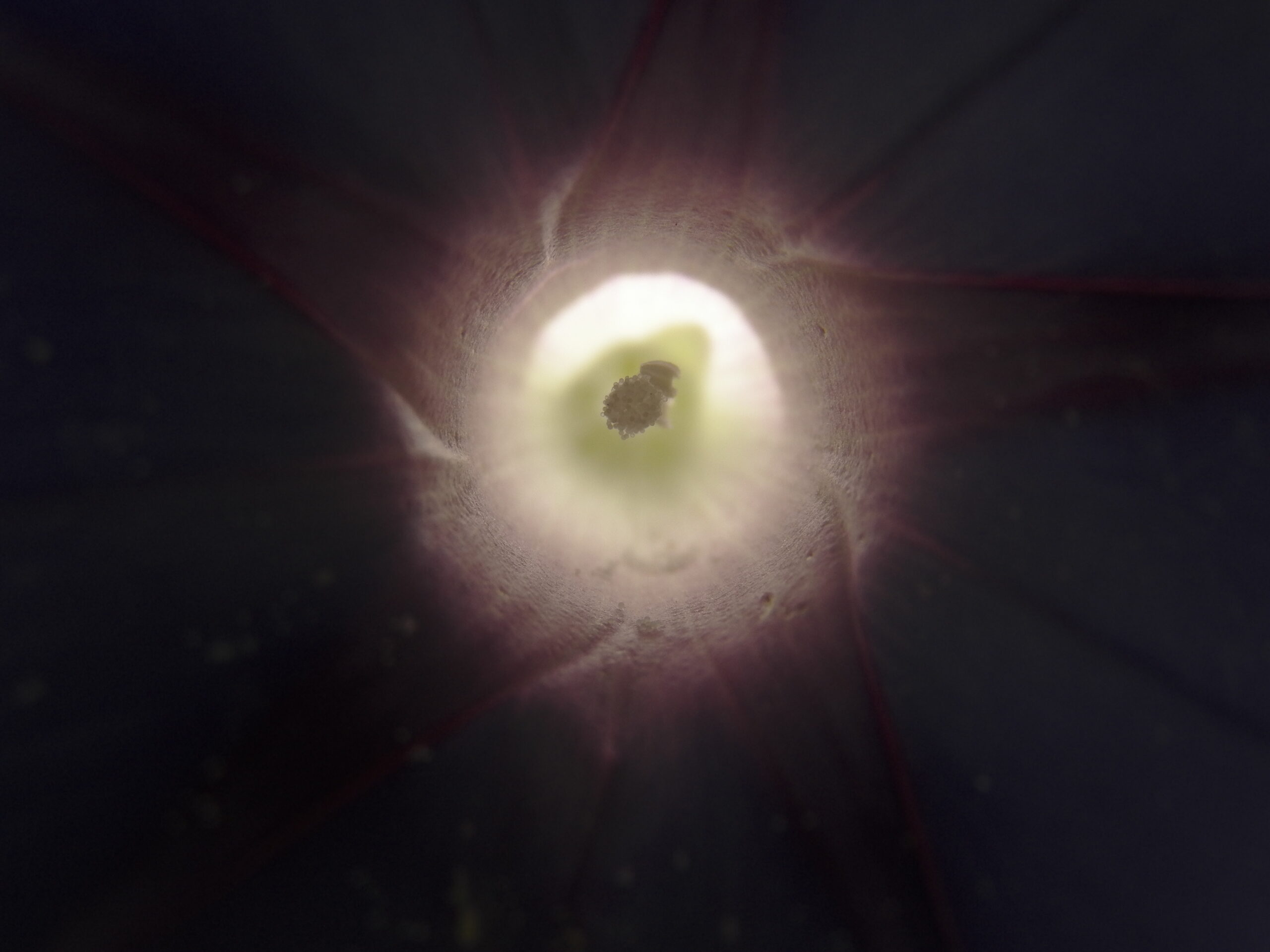
Straight from the camera, this is a backlit Morning Glory (Ipomoea purpurea) taken with the Kodak EasyShare Max Z990. It demonstrates why this has become one of old Pa Pitt’s favorite cameras for botanical photography.
Comments
Old Pa Pitt’s few discoveries and many mistakes in photography
Straight from the camera, this is a backlit Morning Glory (Ipomoea purpurea) taken with the Kodak EasyShare Max Z990. It demonstrates why this has become one of old Pa Pitt’s favorite cameras for botanical photography.

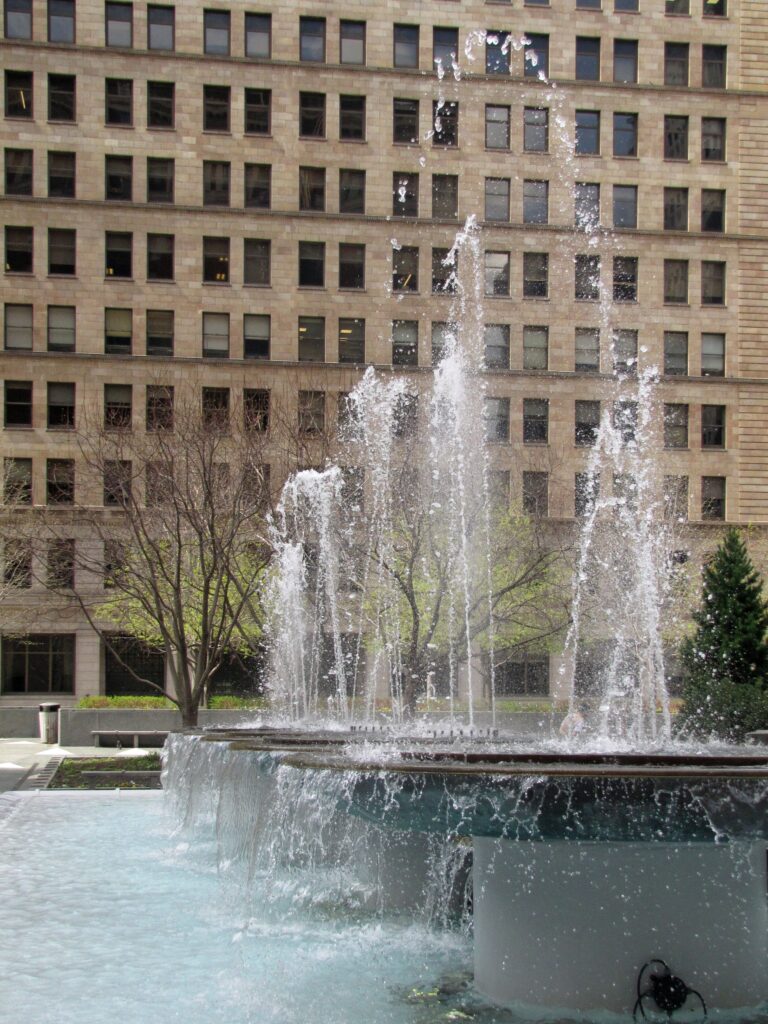
Old Pa Pitt has written before about how tired he is of the long-shutter-speed cliché for moving water. In these pictures of the fountains at Mellon Square, he did the exact opposite: he set the shutter speed at 1/1000 of a second to stop each drop in midair.


Here’s a technical article about Web design that probably won’t interest most readers, but it may help a few people with photo sites solve a tricky problem.
One day not long ago most of the pictures disappeared from the Father Pitt site, and from all the other sites in the Father Pitt empire. The most recent articles were fine, but articles from a year or more earlier were missing their pictures. What had happened?
The problem was a change at Wikimedia Commons. For many years, Father Pitt has donated his pictures to Wikimedia Commons so that anyone can find and use them. He then embedded the lower-resolution “thumbnails” generated by Commons on his own site and linked them to the full-resolution versions at Wikimedia Commons. This embedding was specifically allowed by Commons, so no one was being taken advantage of. It started as a way to save server space and bandwidth when the Father Pitt site was operating on servers with limited resources, but it seemed good to continue the practice. It was especially helpful when the site moved to its own domain, and the pictures were still there because their addresses had not changed.
It used to be that the width of a picture was specified in the URL of the picture. For example:
https://upload.wikimedia.org/wikipedia/commons/thumb/a/a3/Carnegie_Free_Library%2C_Allegheny_Center%2C_2026-03-26-1.jpg/450px-Carnegie_Free_Library%2C_Allegheny_Center%2C_2026-03-26-1.jpgwould render a picture 450 pixels wide, which was one of the standard resolutions Commons offered below the picture on the picture page. If you changed that number to 483 or 529, you would get a picture exactly that number of pixels wide.
About a year ago, those standard resolutions changed. Oddly, the numbers on the page stayed the same, but now if you click on a link that says “450 × 600 pixels,” you actually get a picture that’s 500 × 667 pixels. It turns out that this was part of a campaign by some of the people who run the technical end of Commons to reduce the number of “thumbnail” sizes to a few arbitrary ones—a campaign of which it seems the designers of the Wikimedia Commons image pages were ignorant. It was much discussed in the fora where those technical types gather, but it caught everyone else by surprise, including people working on other Wikimedia projects, when the switch was flipped and most thumbnail sizes stopped working.
That was where all the pictures went. Well, what could we do about it? Literally thousands of articles were affected, and it was not reasonable to revise all of them one by one.
The answer old Pa Pitt came up with was a kluge. His site runs on WordPress, and there are WordPress plugins that will replace any arbitrary text just before it is rendered on the viewer’s screen. Since the width of the image is encoded in the URL, changing the URL to one of the standard widths would make the images appear again.
Just in case there were identical pixel measurements in any style sheets or other debris in the thousands of articles on the site, which is more than eighteen years old, all the rules Father Pitt wrote looked like this:
change jpg/450px to jpg/500pxThat combination of characters would not appear anywhere else but a Wikimedia Commons image address.
It is possible to use regular expressions (jpg/...px) to change every image at once to the same dimensions, but Father Pitt, at least, did not figure out a way to make a universal substitution that would make the portrait-format pictures a different width from the landscape-format or square ones. So some images whose dimensions are irregular still have to be changed by hand, but this kluge took care of ninety-eight out of a hundred articles, which reduces the workload by quite a bit. Eventually it would be a good idea to make the same changes in the database, so that there will be no need to do them on the fly. But the database is huge, and Father Pitt is a little reluctant to touch it.

Father Pitt often brings out cameras from the Neolithic era of digital photography, when digital cameras had settled down in large communities but had not yet learned to smelt bronze. Why? Well, there are several reasons, and some day old Pa Pitt will devote an article to them. To summarize:
1. Pocket cameras of this era often allow more manual control than later cameras.
2. Older cameras can be found very cheap in thrift stores and online auctions—often for less than the price of a paperback book.
3. Therefore, if you lose one on an expedition, you can just buy another one.
4. And therefore, you can have a wide range of cameras, which is a good thing because every camera is a different way of seeing the world. Any photographer will tell you that, when you pick up a different camera, different pictures happen.
But one thing these cameras obviously lack is the resolution of more modern cameras. As a rough guide, what Father Pitt thinks of as the “Neolithic era” of digital photography was the period when digital cameras had resolutions from two to five megapixels.
Is that enough? Well, as old Pa Pitt has pointed out, the very finicky magazine National Geographic decided that digital cameras were good enough for its pages when they reached five megapixels.
But that was almost a quarter-century ago. How about for today’s uses?
For most purposes today, the resolution requirements are even less. Last month, Marc R. at Open Source Photography published an article on exactly this question: “The Pixel Paradox.”
One thing professional photographers worry about is other people stealing their work, which Father Pitt has not worried about in a long time. People use his pictures all the time, with his blessing, because he has a notice on his site that says “Steal my work.” All his pictures are released under a CC0 public-domain donation, so anyone can do anything with them without permission. So Father Pitt isn’t interested in how to balance size with the possibility of theft, which is one of the questions Marc R. addresses.
But his practical answers are interesting. He gives us a table with the recommended maximum number of pixels for the longest dimension of a photograph for various purposes. The longest recommended dimension, for any online use including photo contests, is 2048 pixels.
Now look at the picture at the head of this article, which was taken with a 2002-vintage Canon camera. Its 3.9-megapixel resolution means that its pictures are 2272 pixels on the long side. You would have to crop or shrink those pictures to fit them in any of Marc R.’s recommended sizes.
So a camera that is nearly a quarter-century old is more than adequate, in terms of resolution, for any use in which the pictures will be published on line.
As for other considerations, you would have a hard time finding a camera as good as the Canon that fits in your coat pocket the way the Canon does. It has manual control of everything, it can save raw picture data, it has an excellent lens for such a small camera, and it’s built like a tank.
All other things being equal, it’s always better to have more pixels to work with. But all other things are never equal. If you find an old camera like the Canon PowerShot S45 in a thrift store, pick it up and bring it home. Spend a few more dollars on extra batteries and a 2-gigabyte Compact Flash card (no bigger, because the camera can’t read a bigger card), and you have a picture-taking machine that slips into a coat pocket but gives you admirable results. And don’t worry at all about the low resolution. You’ve got all the pixels you need for most purposes.
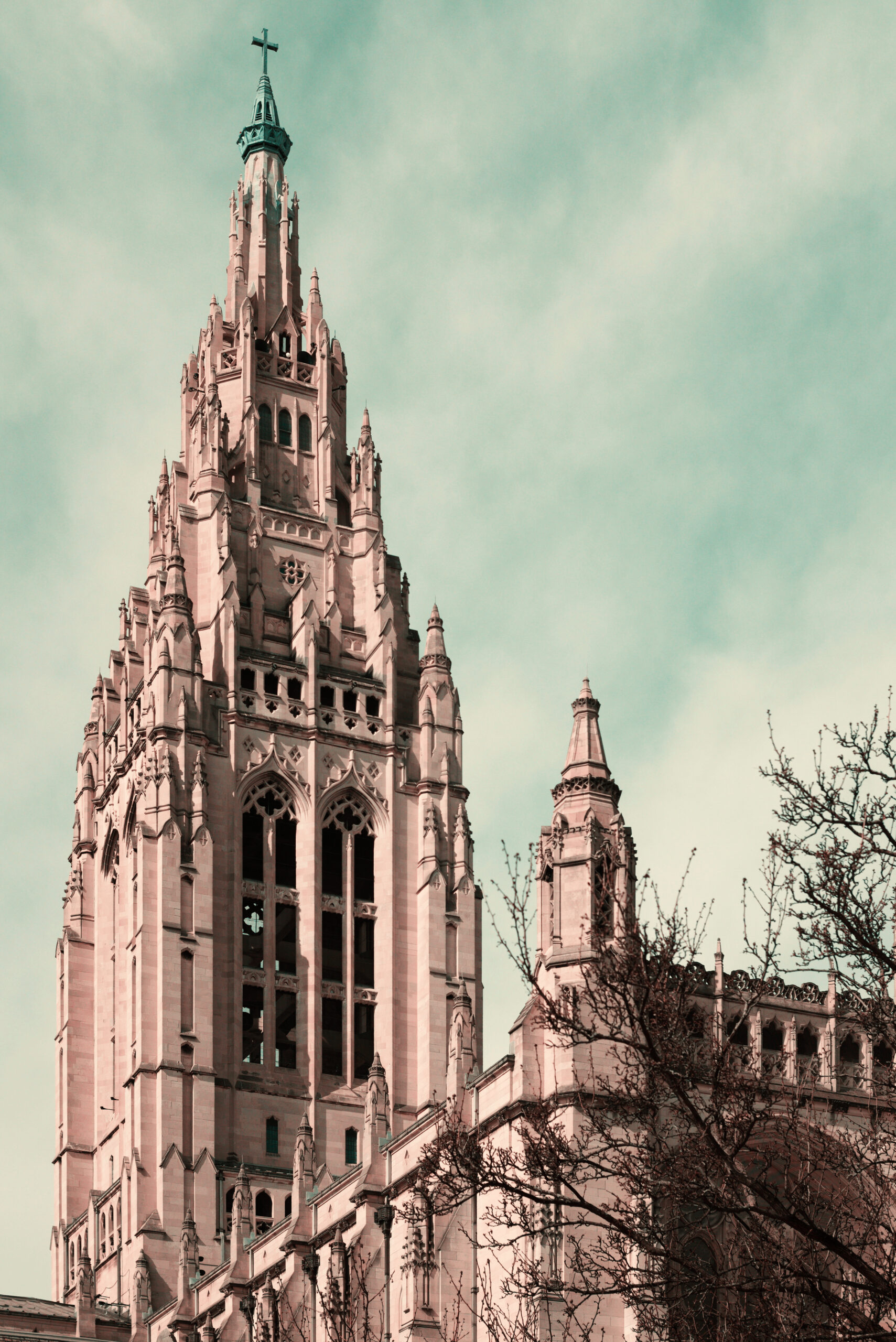
It used to be common to see colored pictures printed in two colors rather than the three it takes to create full natural colors. That was because it was cheaper and easier, of course, but it also gave old postcards and other colored pictures a distinctive look that was attractive in its own way. The first Technicolor movies were made with two colors as well, until three-colored Technicolor was finally introduced in 1935 (Disney had it in 1932, but under a three-year exclusive contract). Years ago some clever photographer made a script for the GIMP that simulated the look of two-strip Technicolor, and Father Pitt enjoyed playing with it and made a whole site called “Two-Color World” to display the results. But the GIMP has moved on, and the old script has not; it no longer works with the latest version of the software. The series of steps it automated was complex and time-consuming, and old Pa Pitt is not patient enough to learn the scripting languages that the GIMP understands.
However, Father Pitt recently discovered another way to get the same effect in an unlikely place. G’MIC—a huge assortment of miscellaneous image-processing tools that can be used by itself or as a plugin for the GIMP, Affinity, or Photoshop—has a tool for simulating colorblindness. It is very useful in judging the accessibility of a Web site, for example, because it will show you whether people with various kinds of colorblindness can distinguish important details.
One of the rare kinds of colorblindness is tritanopia, in which the sense of blue and yellow does not function—precisely the colors that cannot be rendered by two-strip Technicolor or the usual two-color printing. In effect, people with tritanopia see the world in two-strip Technicolor.
Find the “Color Blindness” filter in G’MIC, choose “Tritanopia” from the drop-down menu, and you have an old-fashioned two-color photograph, suitable for a 1900 postcard.
To simulate the exact look of old postcards or movies, including the aging medium (the paper or film stock), it may be helpful to raise the color temperature after applying the filter.
